

One less repetitive click
Leave the note.
Keep your flow.
SavePulse triggers Qlik Cloud's existing Save action when you leave a changed compatible note field.
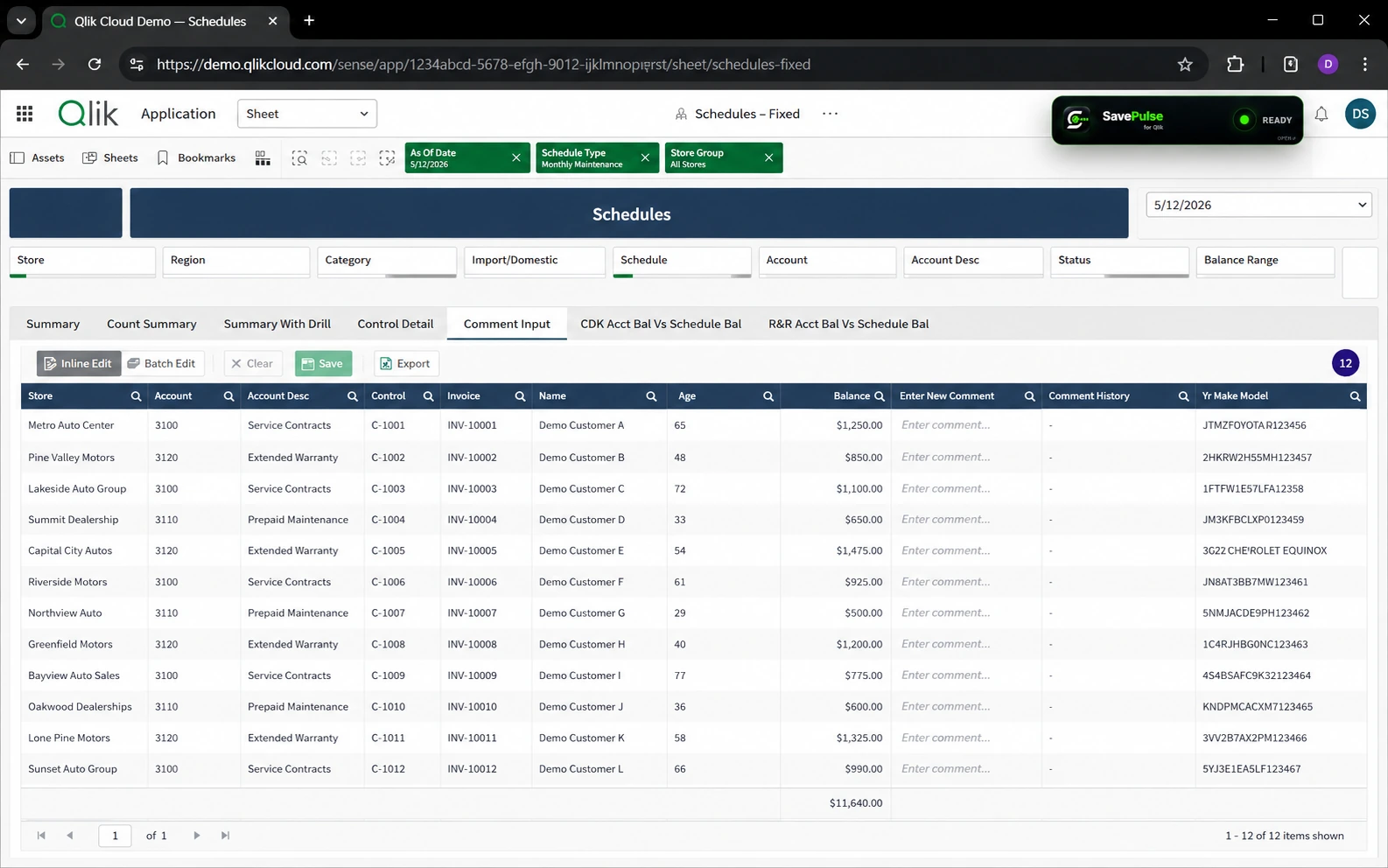
Local-first · No accounts · No SavePulse analytics
A small change to your day
Use Qlik
as usual.
- 01 / Write
Type your note
Use a compatible Qlik Cloud note or comment field.
- 02 / Leave
Move to the next task
SavePulse checks locally whether the supported field changed.
- 03 / Save
The existing Save action runs
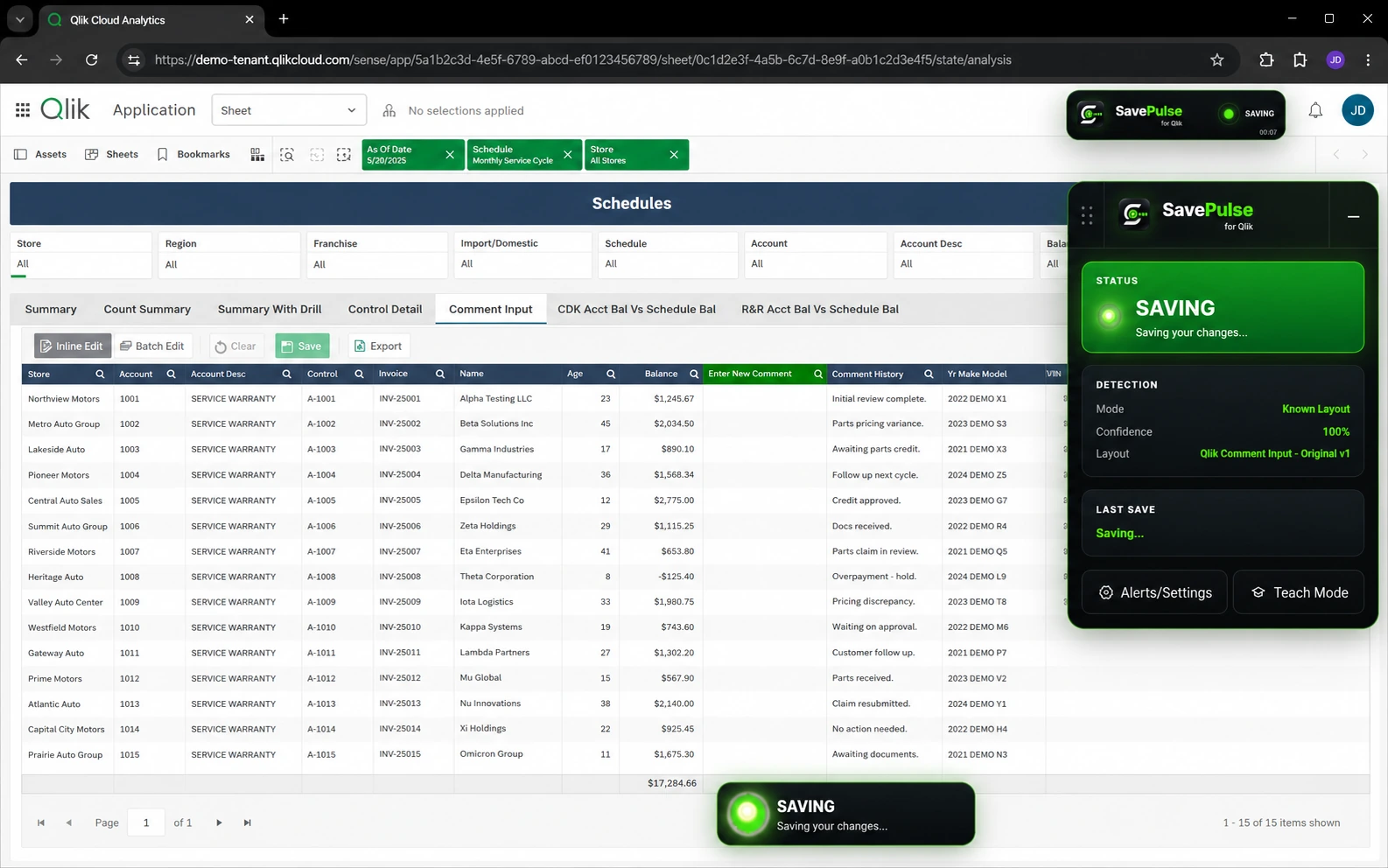
When it identifies the correct control safely, SavePulse triggers Qlik's on-screen Save action and gives a three-pulse confirmation.
Built to be careful
Confidence first.
Guessing never.
SavePulse uses the existing Qlik Save function. It follows a deliberate compatibility order and stops when the correct action is ambiguous or low-confidence.
- 01
Known
Validated Qlik patterns are checked first.
- 02
Learned / Teach
Your explicit editor and Save-control mapping comes next.
- 03
Smart
Conservative detection evaluates other compatible layouts.
- 04
Safe fallback
If the match is uncertain, SavePulse stops.
Your layout, your controls
Quiet when you want.
Visible when you need.
The full status bar is movable, the minimized OPEN control is draggable, and the optional SAVING alert can be turned off or placed where you want it.
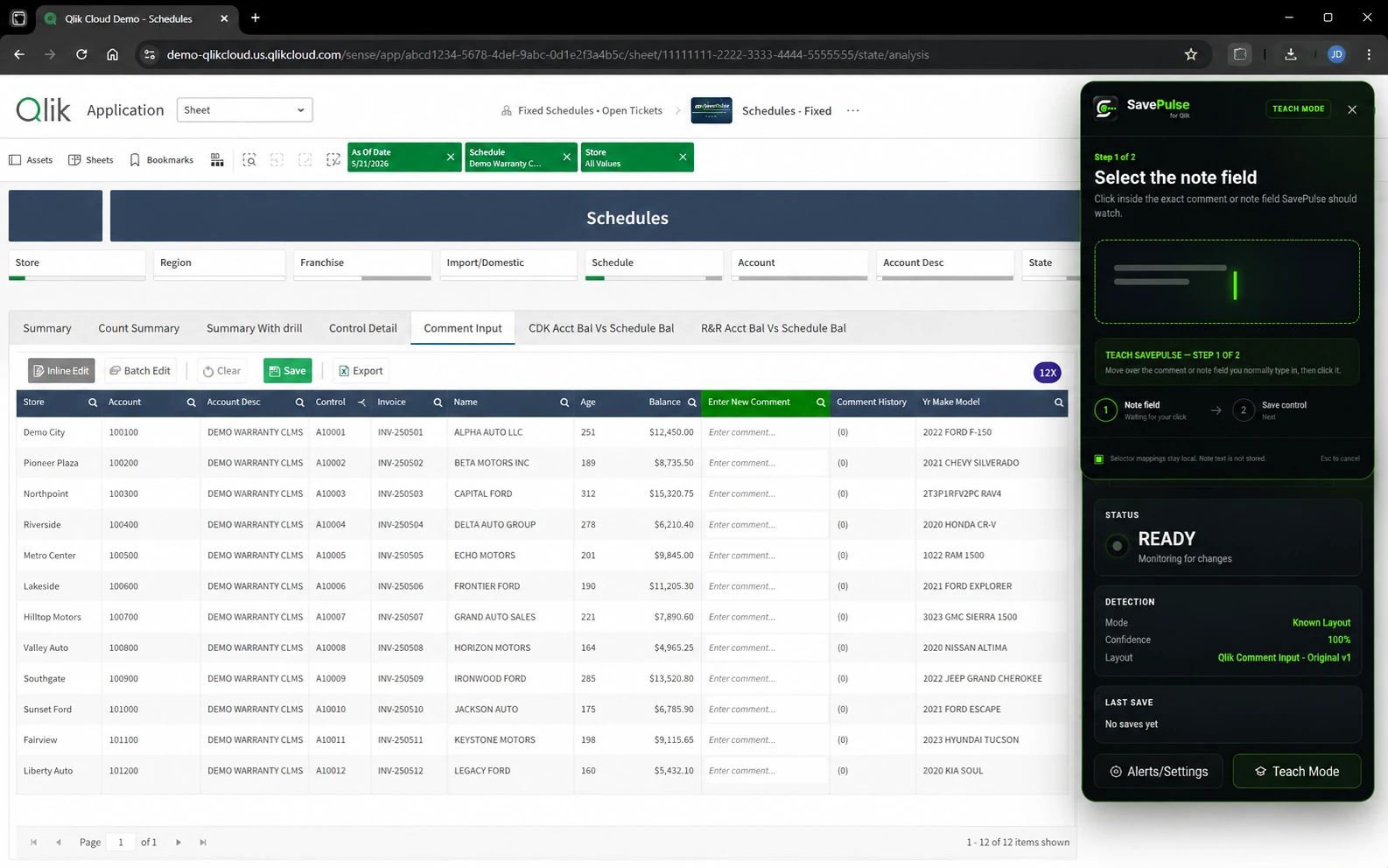
Teach SavePulse lets you identify the exact note field and Qlik Save control for a compatible layout.
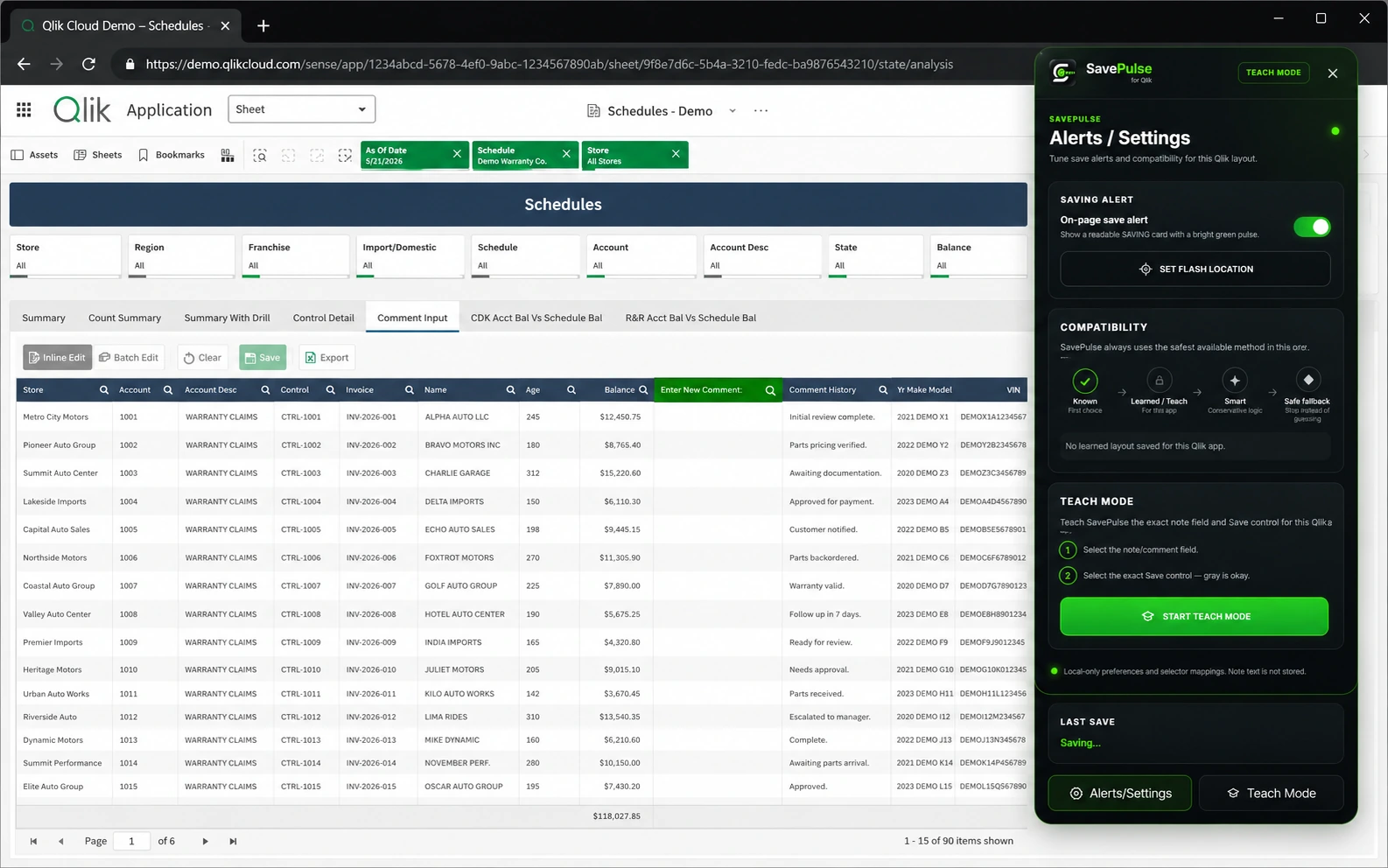
See Teach SavePulse in the product
SavePulse temporarily reads the active supported field in your browser to determine whether it changed. It does not intentionally store or transmit your Qlik note text.
- No SavePulse backend is required for the current public product.
- No SavePulse analytics, telemetry, advertising, or account system.
- Teach SavePulse stores selector-based mappings locally in Chrome extension storage.
- The save remains Qlik's existing Save control and workflow.
Compatibility & support
Qlik setups
can be different.
SavePulse was directly tested against the Qlik Cloud environment available during development. Known Mode, Teach SavePulse, conservative Smart Detection, and safe fallback support compatible variations; every customized layout has not been directly tested.
SavePulse SupportSavePulse is an independent third-party product and is not affiliated with, endorsed by, or sponsored by Qlik.